
Put your viewers in the game.
FlyingKiwi NameRaffle runs locally on your Windows PC and lets your stream chat join raffles for naming characters, picking options, and running giveaways — with a clean, OBS-friendly presenter screen.
Alpha version, connect to the discord server to get access to the download and install instructions
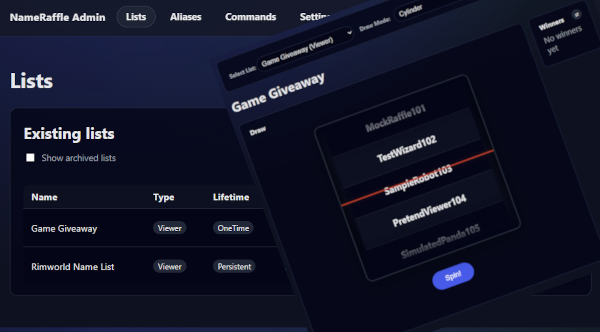
Built for real stream workflows
Run one list for months, or spin up a quick giveaway in minutes.
Long-running name lists
Keep a steady pool of names and draw a few each stream as you play.
Quick raffles and giveaways
Create a one-time list, draw winners, then let it quietly drop out of the way.
Pick options on stream
Use an options list for “which game next?” or any random choice you want.
What you can do
A simple toolset that covers most raffle styles streamers use.
Multiple lists at once
Run a name-in-game list and a giveaway list side-by-side without juggling files.
Flexible entry rules
Single entry, max entries, or multiple tickets — with sensible defaults to keep chat tidy.
Sessions for “Game A / Game B”
Keep winners unique during a game, then reset eligibility when you start a new session.
Ranked placements
Draw top N and reveal them as a countdown (5th → 1st) for race-style presenter animations.
Role weighting
Give VIPs, subs, or members better odds — without turning it into a loyalty system.
Replays with a seed
If you need to show the same draw again, you can replay it using the same seed.
Common uses
- Name in game: viewers join once, you draw names as you play.
- Giveaway: viewers join during the stream, you draw 1–10 winners.
- Stream decision: you add options, then draw one to choose what happens next.
How it works
Most people are up and running in a few minutes.
- Install and launch FlyingKiwi NameRaffle.
- Open the Admin page in your browser.
- Create a list (start with a preset).
- Pick how viewers join: via your existing bot, or direct Twitch/YouTube connect.
- Open Presenter and draw names on stream.
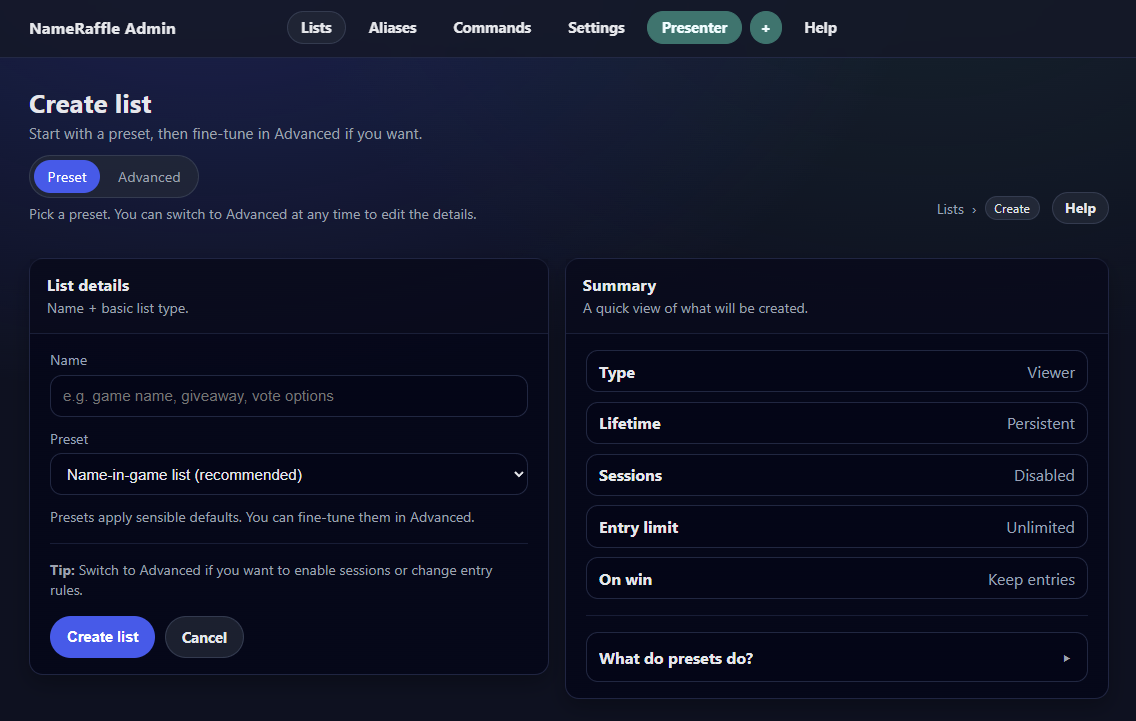
The “current” shortcut
Swap raffles without reconfiguring your bot every time.
Set one list as current and point your bot commands at that. When you want a different raffle, just change which list is current.
Why this matters
- You don’t need to paste new IDs into bot actions.
- You can keep a “name in game” list for months and still run quick giveaways.
- It’s harder to mess up on stream.
Integrations
Use your existing bot, or connect directly. You can mix per platform.
Bot mode
Works with chatbot software that can send web requests. Your bot handles chat; NameRaffle handles the lists and draws.
Direct connect
NameRaffle can connect directly to Twitch and/or YouTube chat for commands and replies. (Twitch can also use channel point redemptions if you want.)
Typical command ideas
- Join: viewers enter the current list.
- Check: viewers ask if they’re in.
- Picked: viewers ask if they’ve been picked before.
Most streamers keep entries as “username only” by default to avoid silly or inappropriate custom names.
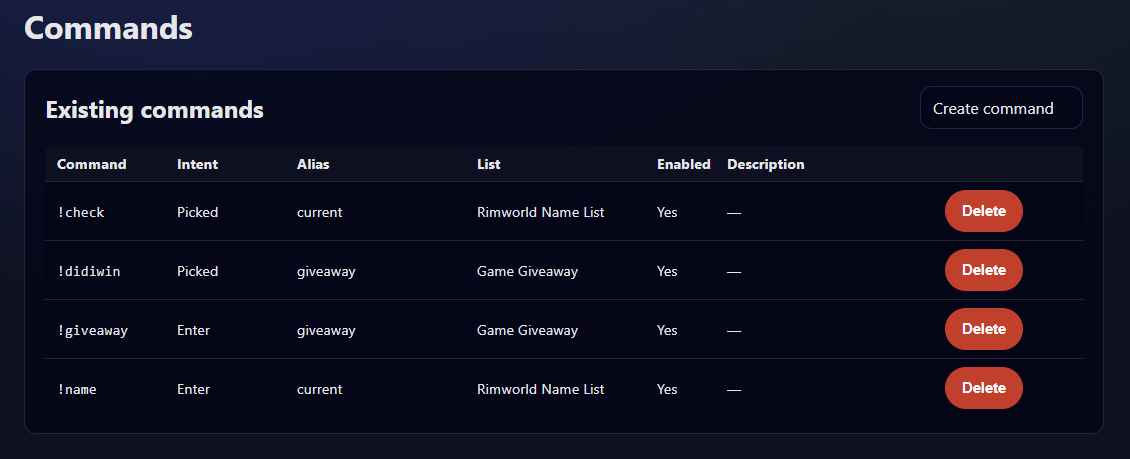
Presenter view
A clean on-stream display designed for OBS browser sources.
Made for stream overlays
Show the draw without showing admin screens, tokens, or extra clutter.
Fun draw styles
Instant draws for speed, plus animated modes like the cylinder spinner.
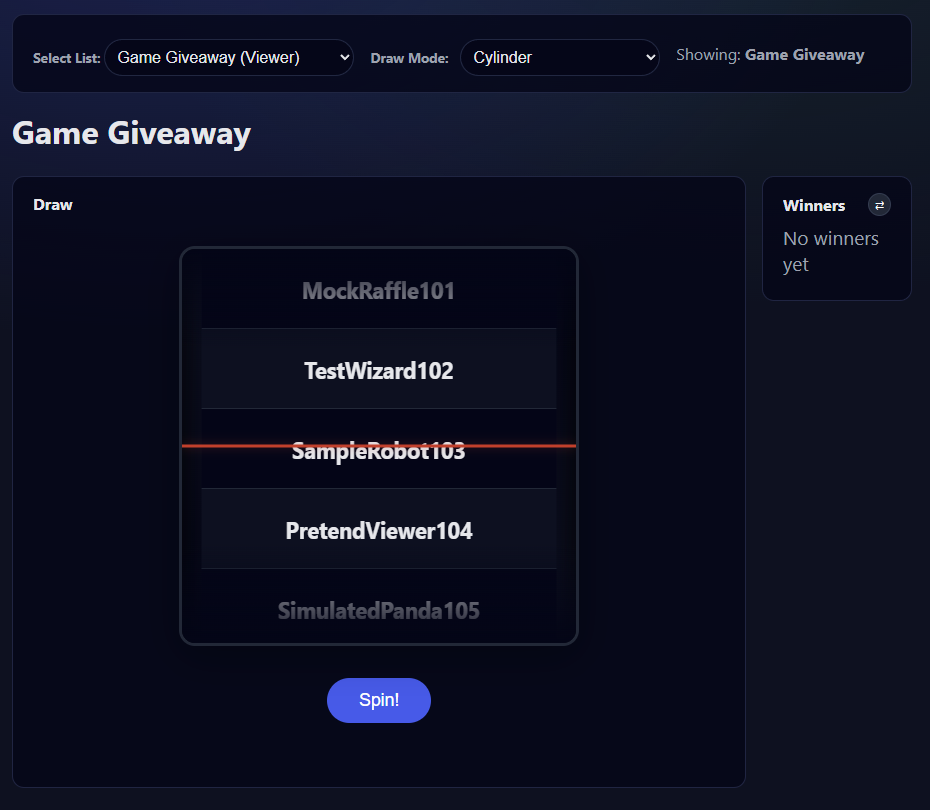
Race / placements style
Draw a top N and reveal them as a countdown (5th, 4th, 3rd, 2nd, 1st). It works well with race-style visuals.
Support
Help, questions, and feature chat happen on Discord.
If something isn’t working, or you want to share a setup that works well on your channel, jump into the Discord.
